Example purchases
Pin the buys a filter actually won, add what you resold them for, and the filter carries its own track record — visible to everyone it is shared with.
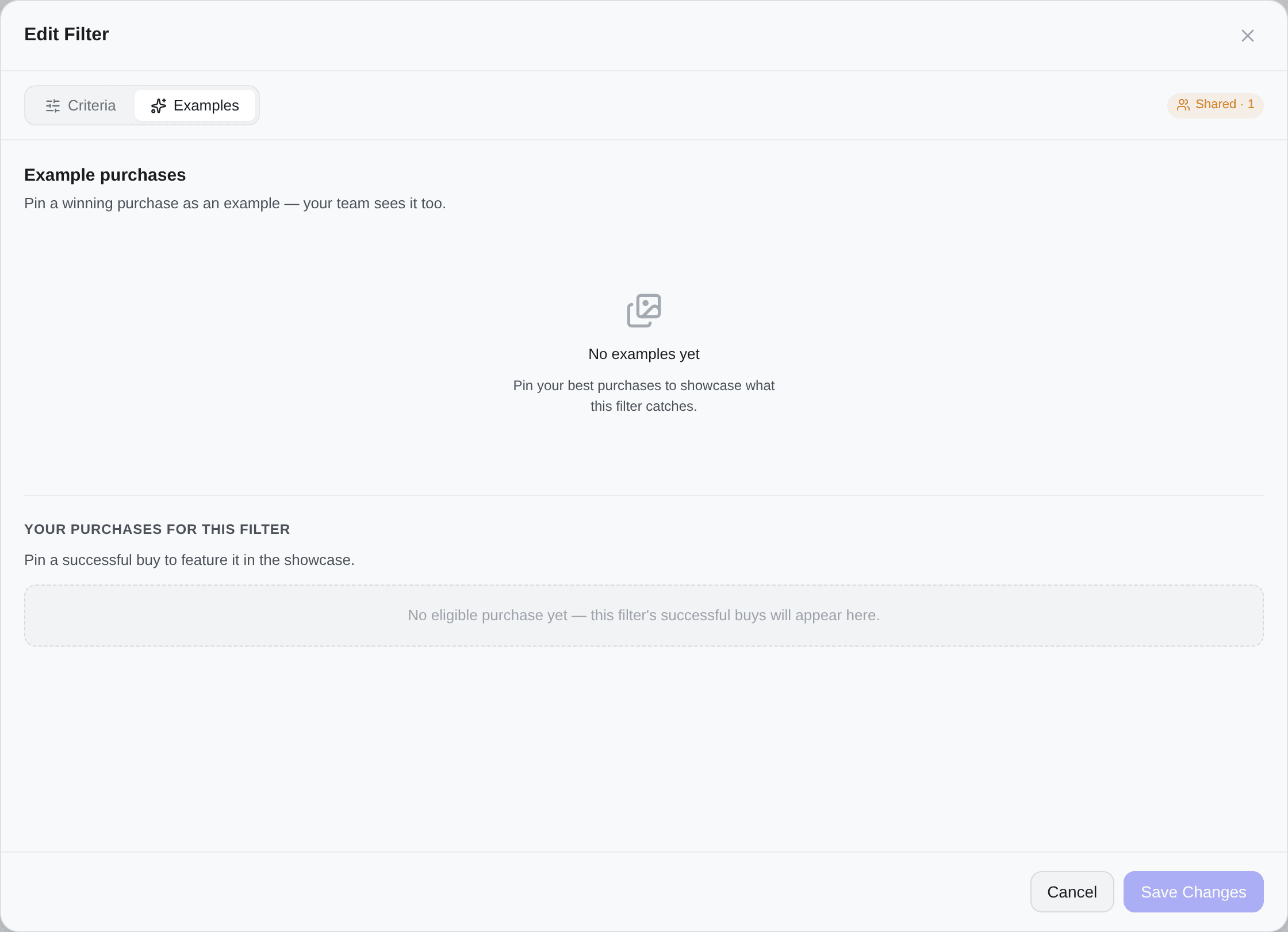
The Examples tab of the filter editor. It only exists on a filter that has been saved, so a brand-new filter has no tab bar at all.
What it is for
A filter's criteria say what it should catch. The examples say what it did catch.
Pin a successful purchase and it becomes part of the filter — with its photo, its price, and optionally what you resold it for. Anyone the filter is shared with sees the same showcase; the tab itself carries the count as a badge.
That turns an abstract set of criteria into evidence: this is what this filter is worth.
Pinning a purchase
- Open the filter, go to Examples
- Search Your purchases for this filter — only successful buys made by this filter are eligible
- Pin the one you want
The search runs on the server rather than over the rows already loaded, so a buy from months ago is one query away. A purchase that was a bundle keeps that: the row is marked with its item count and the example shows the whole lot.
If the list is empty, this filter has not won anything yet; its successful buys will appear here as they happen.
Up to 12 examples per filter. The header counts them, and the tab says so plainly once you are there.
Only the filter's owner curates. A subscriber sees the showcase and can open any example, but cannot pin, reorder or remove.
Adding the resale
Each example can carry:
| Field | Purpose |
|---|---|
| Resell price | What you actually sold it for |
| Note | A free line — "Great margin, resold in 2 days" |
Fill in a resale price and the card shows its return — hover it for bought X · resold Y · Z profit. Across every example that has one, the header shows an Avg ROI as a multiplier: ×1.8 means the pinned examples sold, on average, for 1.8 times what they cost.
That number is the honest answer to "is this filter worth keeping enabled".
Reordering and removing
Drag examples to reorder the showcase — the first one is the one people see.
Remove takes an example off the showcase, behind a confirmation. It does not touch the purchase itself, which stays in your history.