Audit log and danger zone
Who did what and from where, how long it is kept, and the two actions in the workspace that cannot be undone.
Workspace settings → Audit Log and → Danger Zone. Both live under Advanced, and both are admin-only.
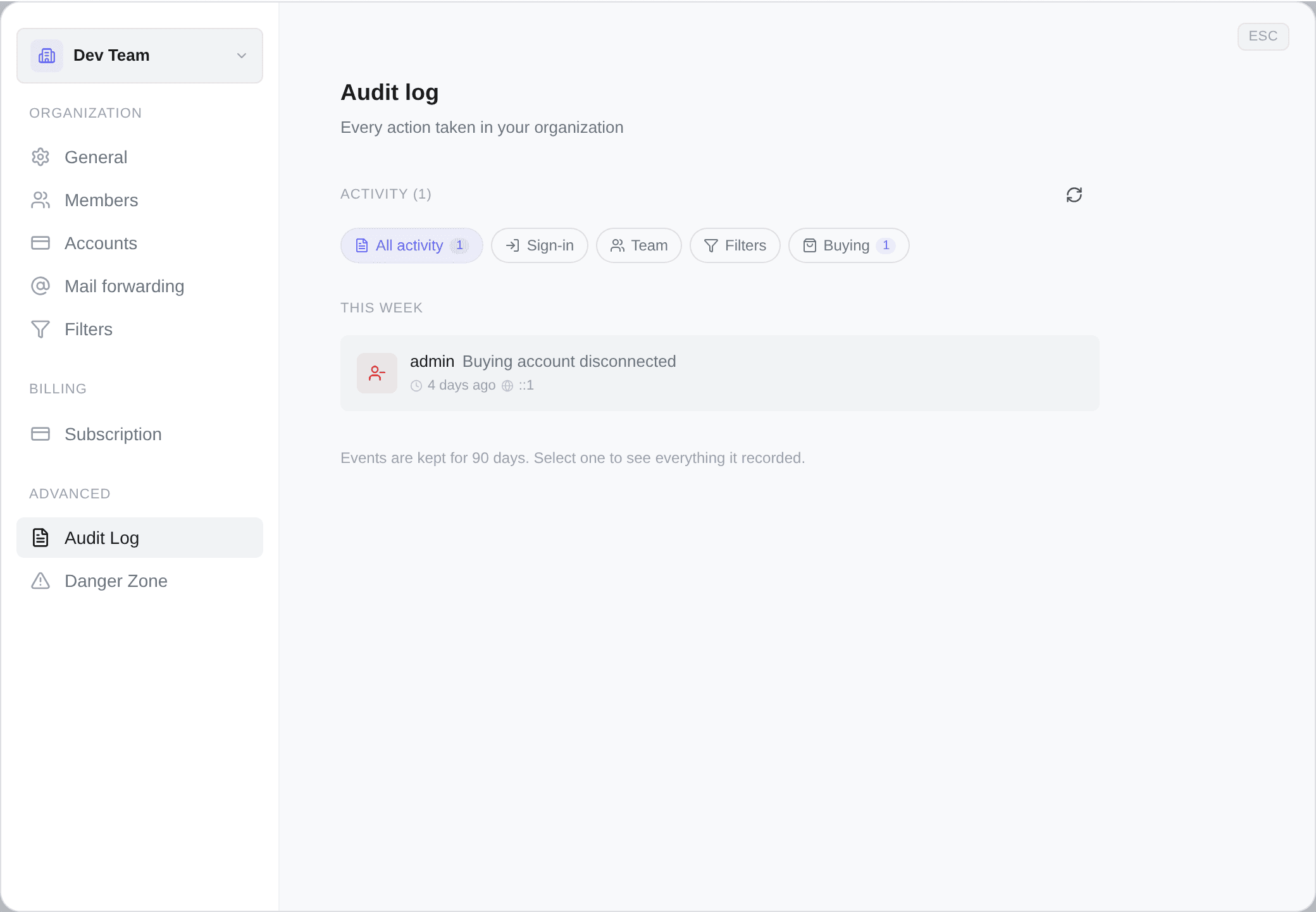
The audit log
A record of everything done in this workspace, newest first, split into Today, Yesterday, This week and Earlier.
Each entry is one line: who did it, what they did, how long ago, and the address it came from. Select one for the rest — the exact time to the second, the IP address, the browser, the kind of thing it touched, and any extra data the action carried.
Entries are kept for 90 days, then removed automatically. There is no way to extend that and no way to export the log, so if something matters beyond three months, take a copy of it while it is there.
The five chips
Above the list: All activity, and four categories.
| Category | What lands there |
|---|---|
| Sign-in | Account created, signed in, failed sign-in, signed out, password changed or reset, email verified, one session or all other sessions ended, passkey added, renamed or removed |
| Team | Workspace created, renamed or deleted; members invited, joined, removed, left; roles changed; invitations cancelled |
| Filters | Filters created, edited, deleted, duplicated, switched on or off, autocop toggled, and every bulk edit — prices, zones, sellers, keywords, verification. Plus folders shared, unshared and imported, and account groups created, edited and deleted |
| Buying | Vinted accounts connected, disconnected, refreshed, quarantined, released, reactivated; purchases started, 3-D Secure cleared, purchases cancelled; orders you resolved or marked collected by hand |
Account groups are filed under Filters, not Buying. They decide which accounts may serve a folder, so they belong with the searches rather than with the accounts — which is where you will look for them first.
Failed sign-ins are logged too. That is the entry worth looking for if something feels wrong — a run of them from an address nobody recognises is the first thing you would want to see.
A chip filters the whole log, not the page you are on. The number beside each one is its real total, counted over everything the workspace has recorded, and picking a category re-queries from the top. So the counts add up to more than the page in front of you, and they are meant to.
The four entries that rewrite history
Most of what a buying entry records is Vinted's account of events. Four are not, and all four are audited for that reason.
Order outcome recorded — the verdict you entered yourself on an order whose Vinted account can no longer answer for it. It is the one way a human overrides what your purchase history says, so it keeps a record of who said what, and which status it stands in for. Order outcome cleared is its undo, logged separately so who took it back is answerable without digging.
Parcel marked as collected — you asserting that a parcel is physically in your hands, ahead of the marketplace. Not a rewrite of the status, but a claim about the world, and the question a support thread about a missing parcel opens with. Collected mark removed is likewise its own entry.
See Order statuses and Pick-up points.
What the log is for
Three questions, in practice:
- "Who turned this off?" — filter switches and autocop toggles are logged with the person.
- "What did the person who left change before they went?" — read down their entries.
- "Was that sign-in me?" — authentication entries carry the address and the browser.
It is read-only. Nothing in it can be edited or deleted, by anyone, including the owner.
Danger zone
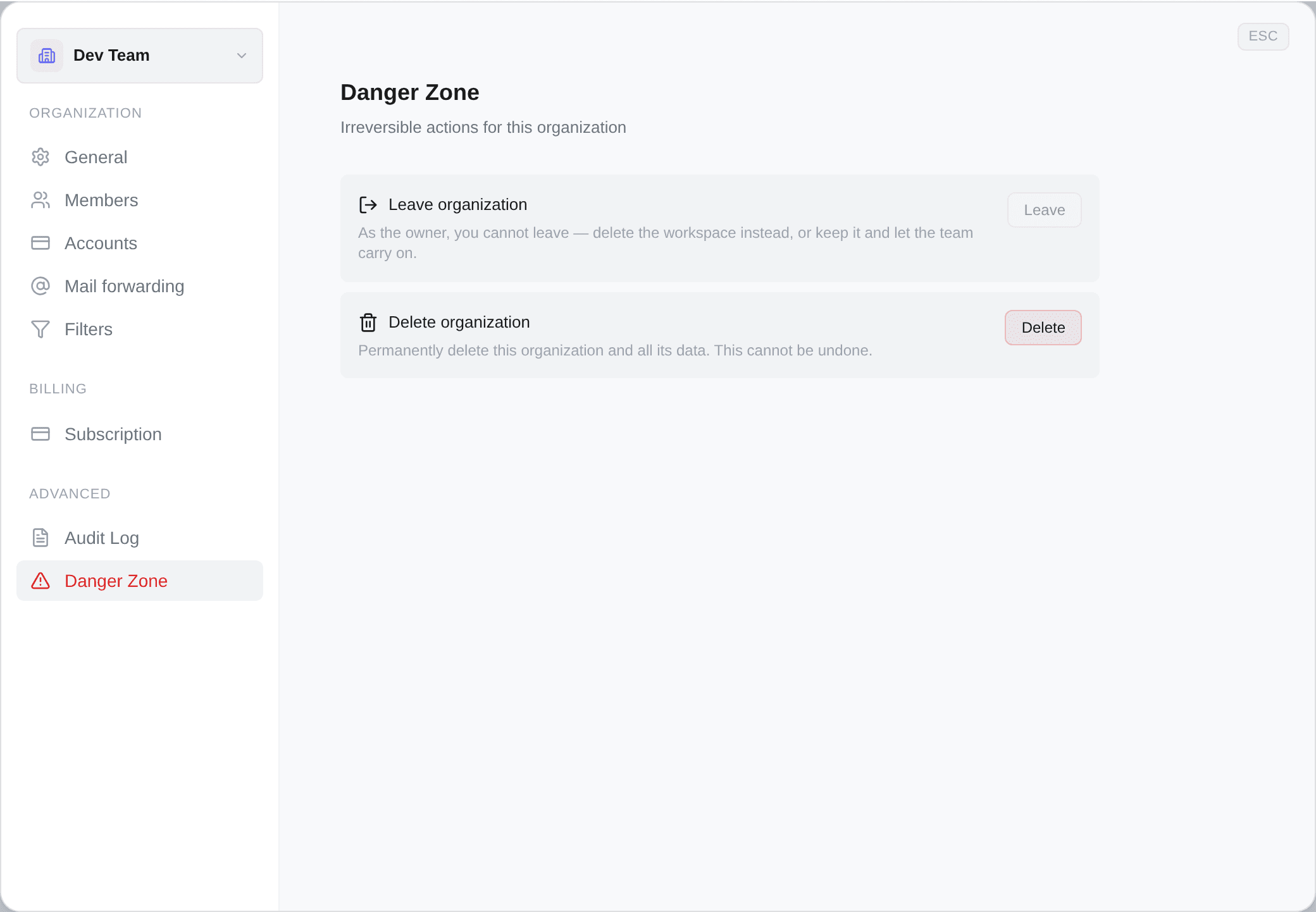
Two cards, both irreversible, and the section is not shown at all to anyone without settings permission.
Leaving
Leave organization removes you from it. You lose access to everything immediately, and getting back in needs a fresh invitation.
The button is greyed in your personal workspace, and greyed for whoever created the workspace — there is no way to hand a workspace to somebody else, so the creator's only exit is to delete it.
Deleting
Delete organization, and the card is only drawn for the person who created the workspace. You have to type its name to confirm, which is the point: it is not a button you can hit by accident.
It ends access to the filters, the folders, the connected Vinted accounts, the orders, the attempts and the settings. There is no undo and no self-service way back.
If what you actually want is to stop paying, do not delete. Pause or cancel the subscription instead — your filters, folders and connected accounts are all kept exactly as they are, and restarting takes one click. Deleting is for a workspace you are certain you will never want again.
Your personal workspace cannot be deleted at all.